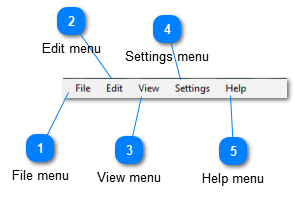
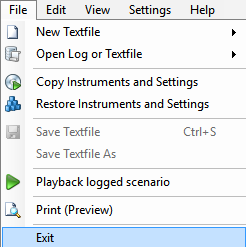
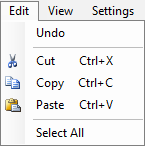
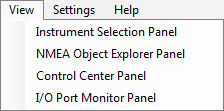
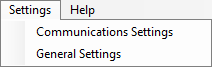
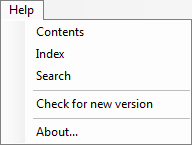
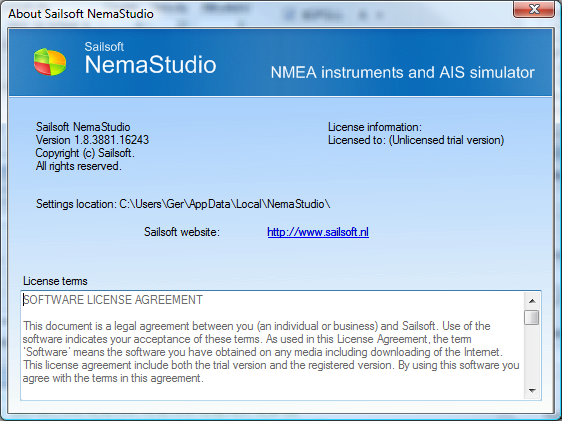
Menu bar File menu The File menu is pretty self-explanatory. New from V.1.36 are the menu items to copy and restore the Instruments and Settings files. This allows for setting up different scenario's, save each of them in a different location or under a different name and restore from any scenario required, to run. Top Edit menu All editing options here also relate to the text editor. Top View menu This menu comes in very handy if you have closed any panels and you want them to make visible again. Top Settings menu Will bring you to either the Communications Settings or the General Settings tab Top Help menu Opens the Help file, checks for a new version or opens the About box as shown below. Top