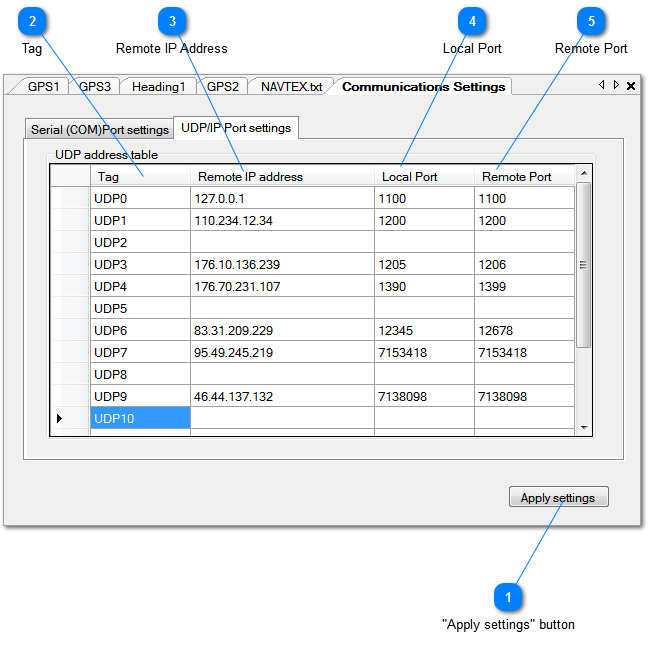
Apart from the serial ports NemaStudio also supports a maximum of 16 UDP/IP ports, tagged UDP0 up to UDP15.
You can mix UDP ports with serial ports if you like, or assign different ports or the same UDP port to any or all instruments.
 "Apply settings" button
Applies and saves the settings
|
|
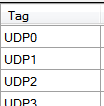
 Tag
Reference to the UDP port to use.
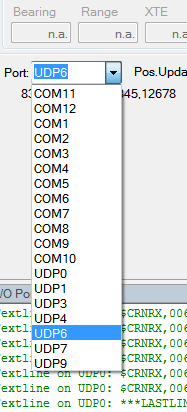
This tag will show up in any instrument's port dropdown box when
all parameters of this port are valid, as shown below:
|
|
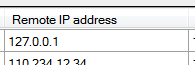
 Remote IP Address
The IP address of the remote system.
|
|
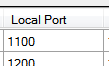
 Local Port
The local port number to use
|
|
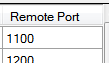
 Remote Port
The remote port number to use.
|
|